
Palfarm on handhelds, Steam Deck and remote play
Until a mobile build exists, the portable options for Palfarm are a PC handheld such as Steam Deck and remote-streaming from your desktop — both run the PC version, so saves and mods behave identically.
Updated for the current Palworld patch
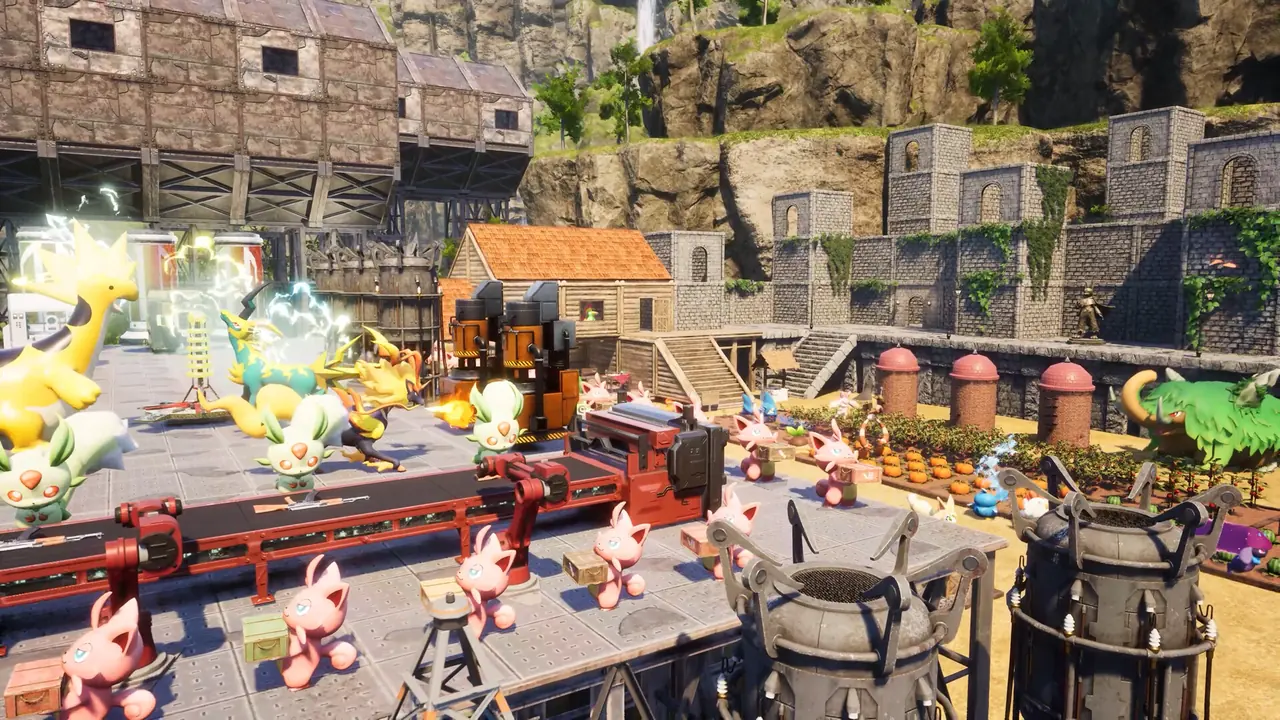
- ✓PC handhelds
- ✓Remote play from your PC
- ✓Save safety
- ✓Controls
PC handhelds
Farming sims are unusually well suited to handheld PCs: low input precision, menu-heavy UI, short sessions. Check the store page's verified status before buying for that purpose.
Remote play from your PC
Streaming to a phone or tablet from your own machine gives a phone-shaped Palfarm today without an unofficial download.
Save safety
Streaming touches nothing about your save because the game never leaves the host PC. Cloud-sync conflicts only appear if you also play locally on a second machine.
Controls
A controller or touch-friendly overlay handles planting and menus fine; text entry for shop names and save management is the awkward part.
When mobile lands
If a mobile Palfarm is announced, expect a separate purchase and separate save. Plan collections accordingly rather than assuming a transfer.